Timing first
The beginner guide explains audio setup, calibration and how to read spoken cues before chasing medals.
Guides, modes, minigames, demo transfer and Switch platform facts for Nintendo's new rhythm game.
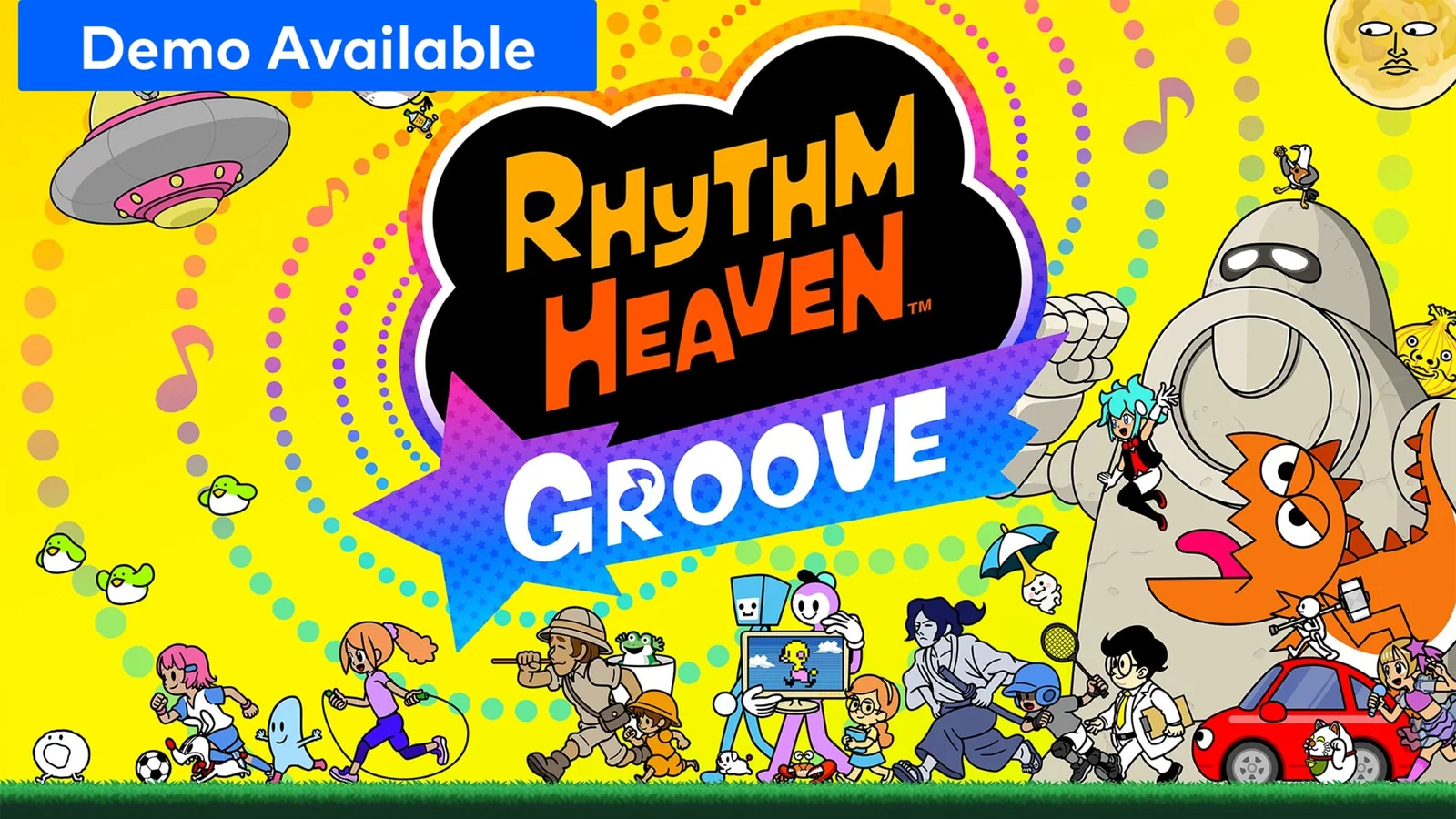
Launch-day pages focus on useful player decisions: how to start, what the modes mean, what the demo includes and which title to search in each region.
The beginner guide explains audio setup, calibration and how to read spoken cues before chasing medals.
The minigames list tracks official examples such as Hoop Trundling, Fruit Flex, Rhythm Tweezers and Tennis Quest.
Beatspell, Drum Lessons, Rhythm Toy Box, Cafe and accessibility settings are grouped by the job they do for players.
Nintendo lists the game for Nintendo Switch with Switch 2 compatibility, 1-4 local players, a 3.2 GB file size and more than 80 solo rhythm games.
Each mode gets a short practical role, so players can move between learning, party play, rhythm battles and low-pressure practice.
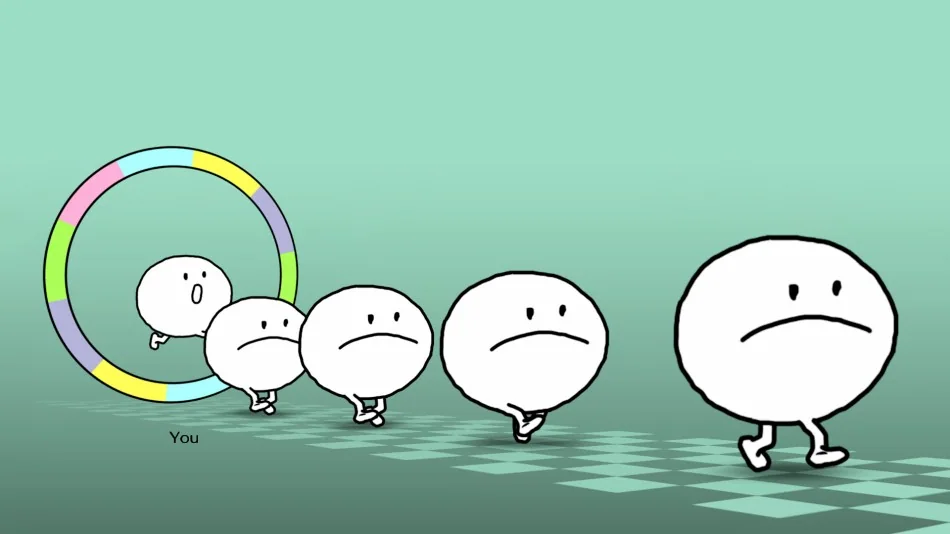
The main path is a broad run of short rhythm games. Each one teaches a compact input rule, then asks you to rely on the audio pattern while the scene becomes busier.
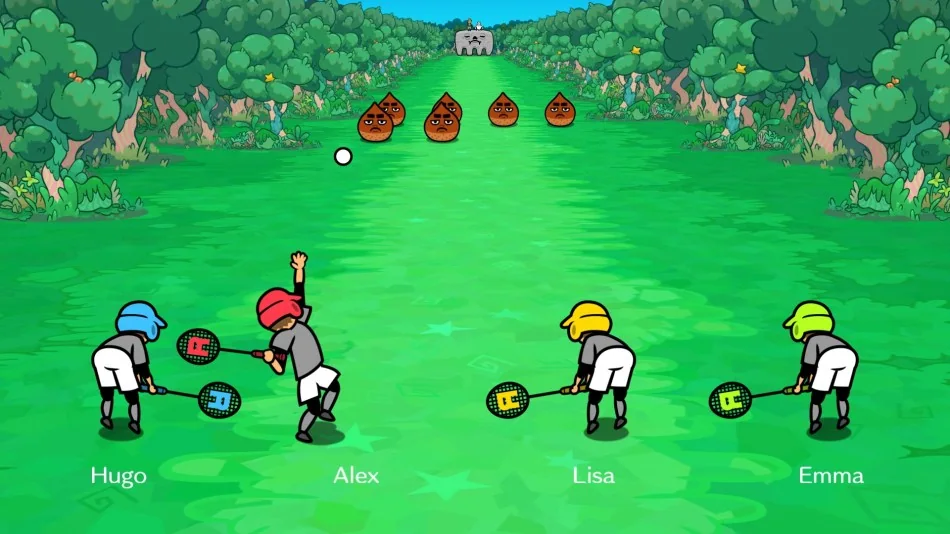
Up to four players can share one system for more than 30 co-op and competitive games. Some challenges ask the group to win together, while others test who can keep the cleanest timing.
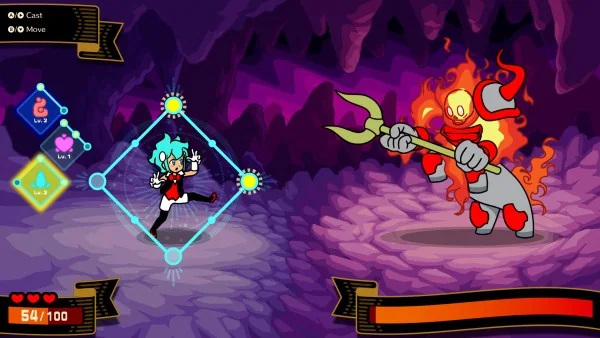
Beatspell unlocks through progress in the solo games. It turns button timing into spells for attacking, healing and handling rhythm-based monster fights.
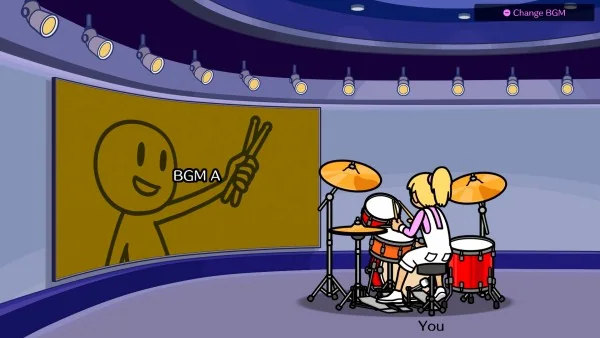
Drum Lessons let players practice kit parts with button controls. Guided lessons teach the basics, while Free Jam gives room to experiment outside a fixed challenge.
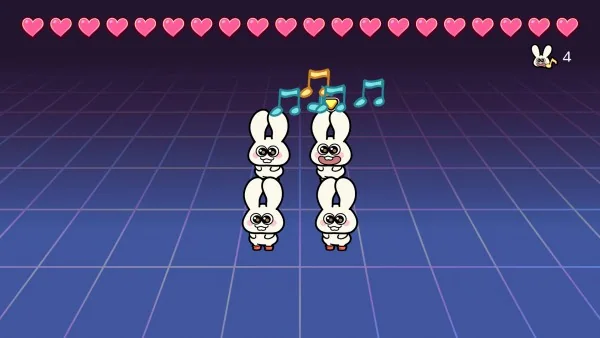
The Rhythm Toy Box is built for experiments, loops and playful rhythm objects. It is the page to check when you want side activities rather than stage progression.
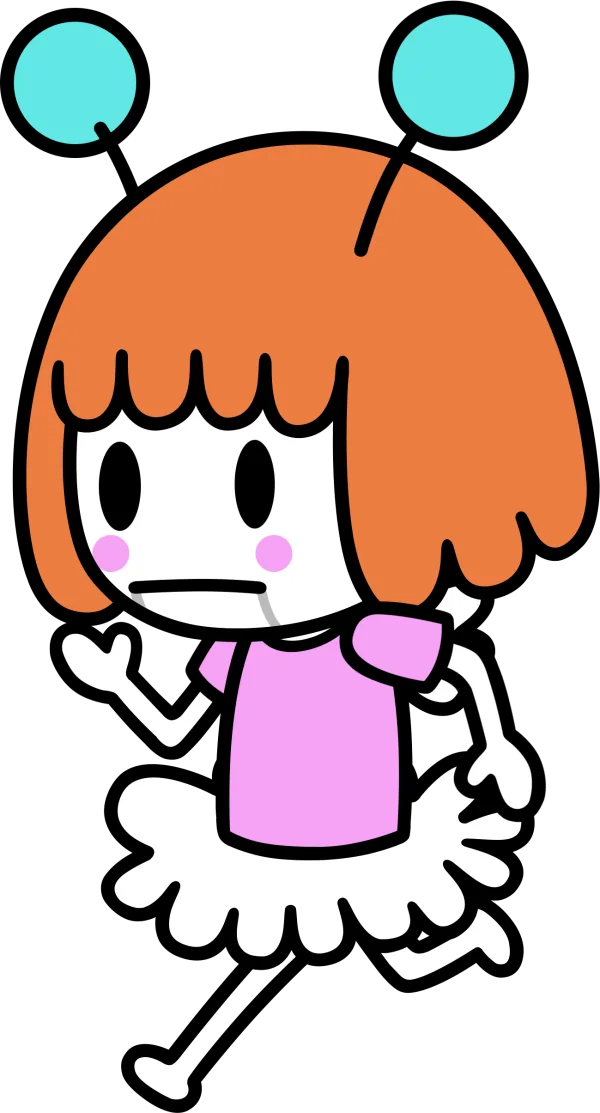
The Cafe gives the game a softer landing zone. Use it when you want a break from scoring pressure, secrets and rhythm side activities.
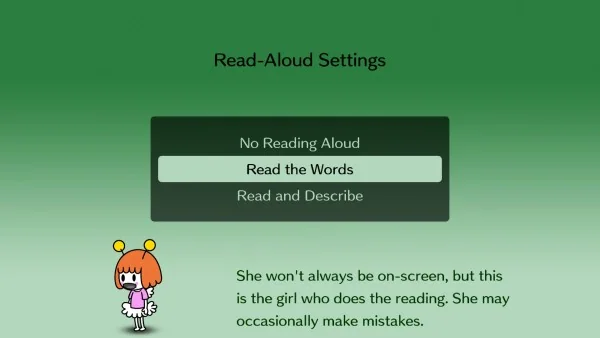
Settings include read-aloud text from Li'l Miss Reeds and timing calibration for TV play. Use calibration before judging your rhythm if the display feels late.

The UK page describes a free demo with the first five solo rhythm games plus multiplayer tweezer timing. Demo progress can transfer to the full game.
The game is bigger than this launch list. These rows use official page text or first-party media support.
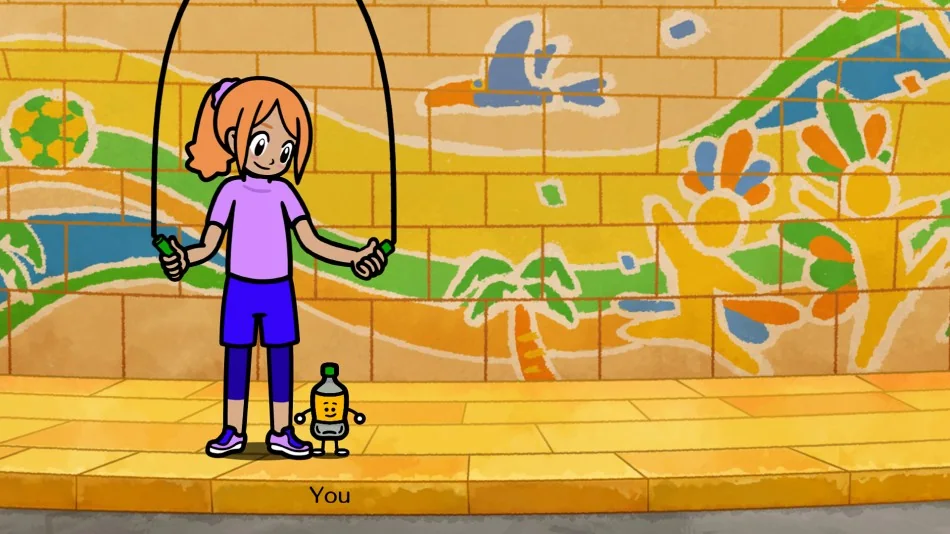
Listen for the "pa pi pu pe po" phrase and jump on the last sound.
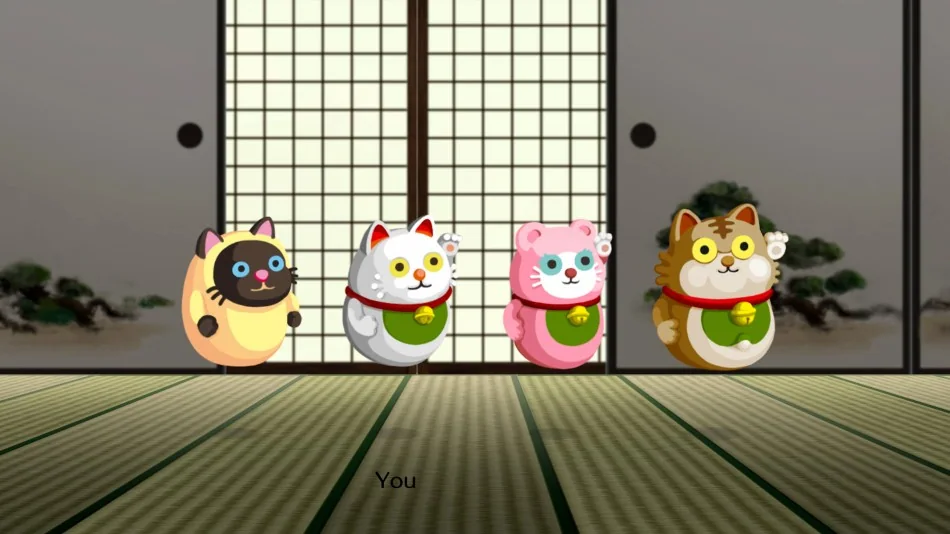
Official copy describes helping a roly-poly cat doll jump and roll to the music.
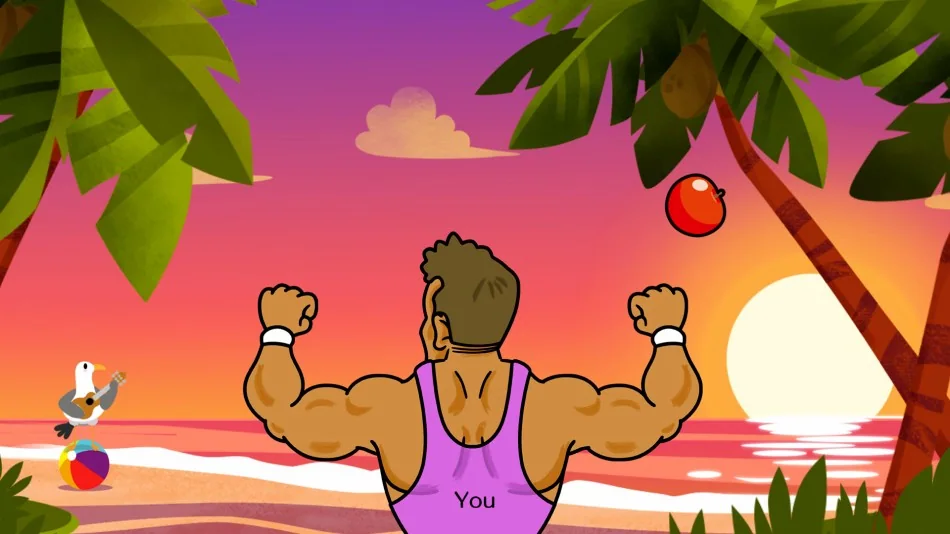
Official copy describes flexing biceps to bop fruit where it needs to go.
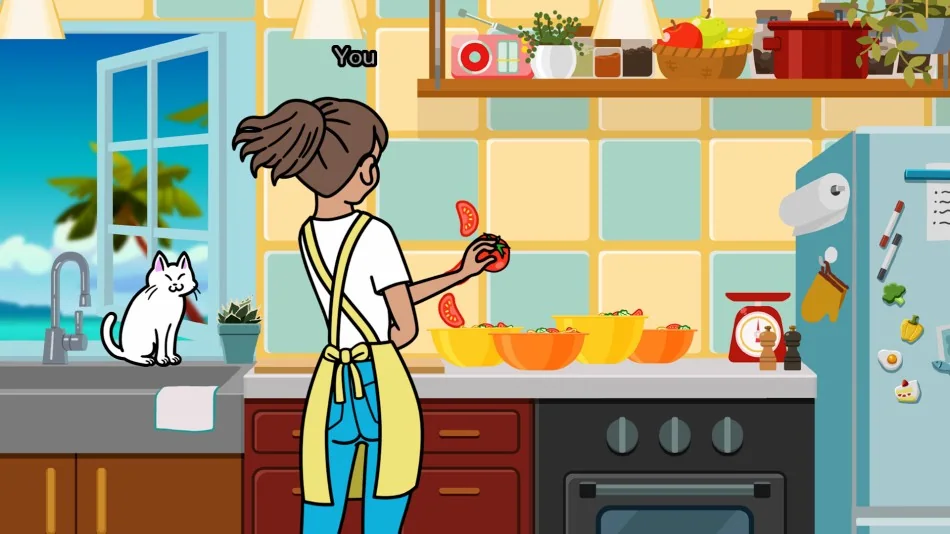
Official media shows the kitchen game; use in-game lessons for the exact input phrase.
Official media shows a can-launch scene; verify the exact rhythm cue in the game.

Official media shows a bird-formation scene; verify the exact rhythm cue in the game.
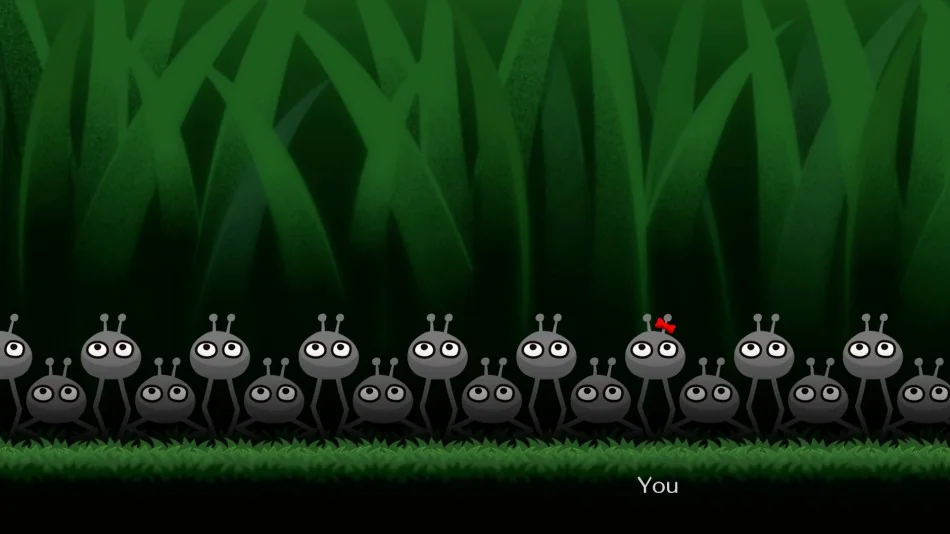
Official media labels this screenshot; verify the exact input rule in the game.
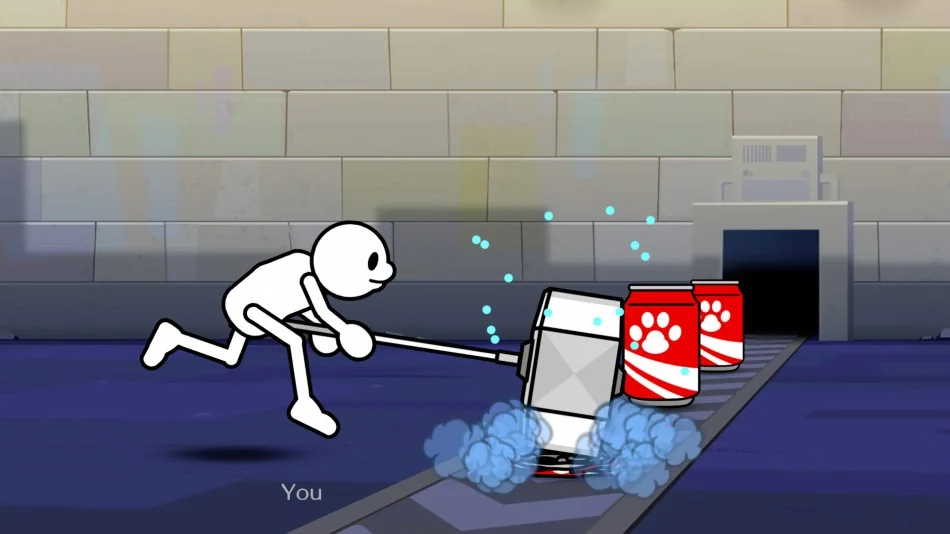
Official media labels this can scene; verify the exact input rule in the game.
Public pages use Nintendo sources for release, title, platform, language, mode and media facts. Community data can expand the wiki after it is checked in-game.